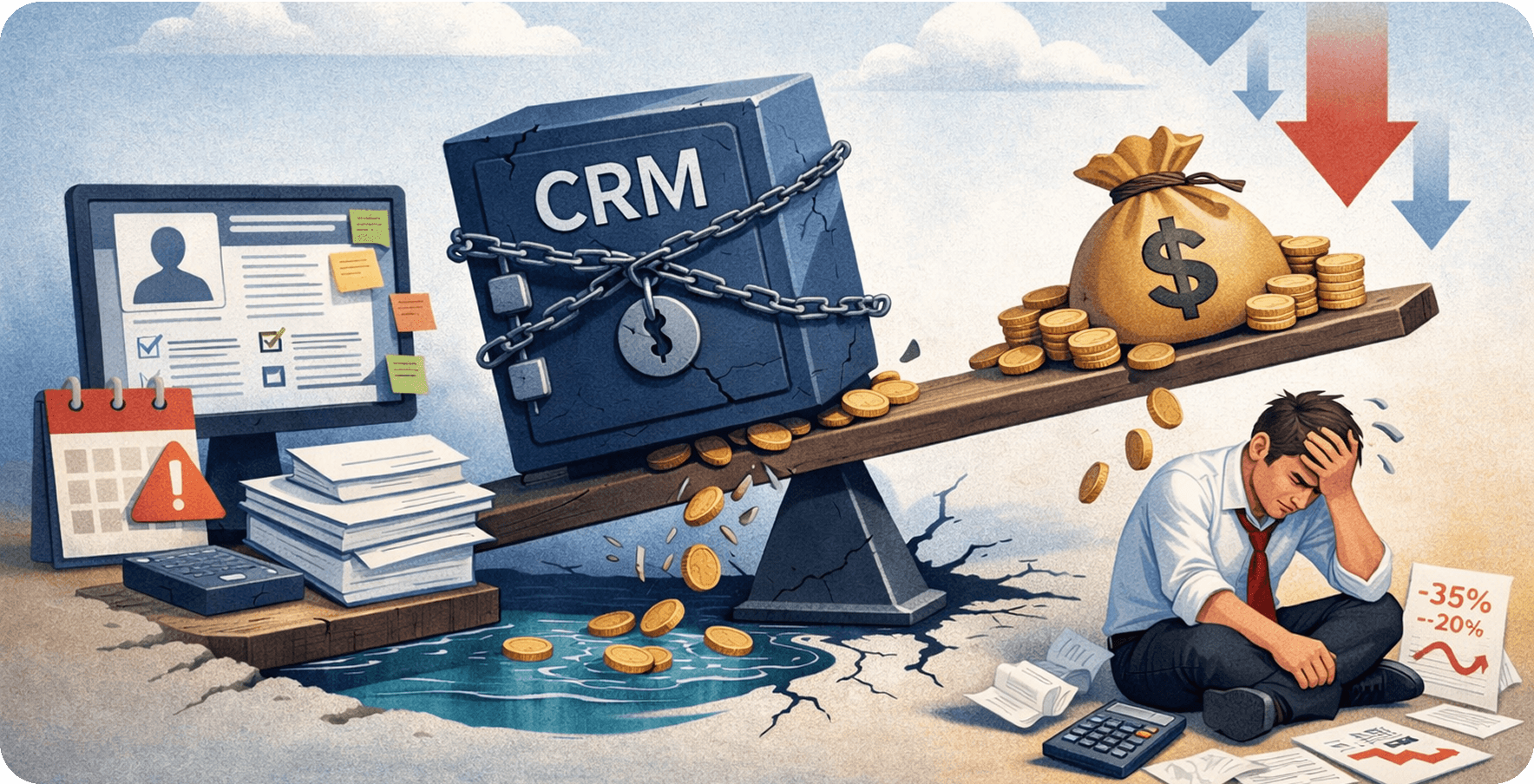
Quick summary: Your CRM was supposed to help close deals faster. Instead, it may be creating workarounds, dirty data, and missed forecasts. This guide gives US business leaders a practical breakdown of what is going wrong, which warning signs to look for, and how to build a CRM that earns its place in the revenue stack.
Most organizations invest in a CRM expecting it to drive revenue, improve team productivity, and provide sharper customer visibility. But a poorly chosen or badly configured CRM does the exact opposite. According to Gartner's CRM Market Share Analysis 2024, the global CRM software market reached USD 128 billion in 2024, growing 13.4% year over year. Yet a significant portion of that spending fails to deliver measurable ROI.
Whether you work with a Salesforce development company to build a tailored solution or manage a legacy platform your teams have outgrown, the hard truth is that many CRM implementations are designed for a general audience—not for your business. When the tool does not fit, revenue suffers. For enterprises with complex workflows and customer journeys, the case for a custom CRM has never been stronger.
The following sections explain the warning signs that a CRM has become a burden, why off-the-shelf platforms struggle at enterprise scale, how integration and AI reshape the equation, and what leaders can do to turn CRM into a genuine revenue driver.
When CRM software solutions work against your revenue goals
Not every CRM problem appears in quarterly reports immediately. More often, the damage is gradual: missed follow-ups, duplicate records, and frustrated representatives who work around the system rather than inside it. Understanding where your CRM quietly leaks revenue is the first step toward fixing it.
What a CRM is supposed to do, and where most fall short
At its core, a CRM should give every customer-facing team a single, accurate view of the customer. It should automate repetitive work, flag the right opportunities at the right time, and make reporting effortless.
In practice, many CRM deployments become expensive data warehouses. Sales representatives log calls manually, managers build reports in spreadsheets instead of dashboards, and customer service teams cannot see the sales history of the accounts they manage.
The hidden cost of a poorly implemented CRM
-
Lost deals caused by slow or missed follow-ups and incomplete pipeline data
-
Sales time wasted on manual data entry instead of customer-facing work
-
Inaccurate forecasts that lead to poor resource allocation and missed targets
-
Customer churn caused by disconnected experiences across sales and support
-
Duplicate or dirty data that distorts marketing targeting and spending
-
IT overhead from maintaining workarounds and custom patches
-
Poor cross-sell and upsell performance caused by limited account visibility
-
Onboarding delays when new hires cannot navigate a complex system
-
Compliance and reporting risks from inconsistent data capture
The warning signs your CRM has become a liability
If teams log in only because they are required to rather than because the platform creates genuine value, your CRM may already cost more than it earns. A Salesforce customization partner can help address these gaps, but leaders must first recognize the warning signs.
Low adoption rates across sales and customer teams
When fewer than 70% of the sales team actively uses the CRM every day, the organization has an adoption problem. Low usage produces incomplete data, poor forecasting, and missed opportunities. Adoption issues are rarely about training alone; they often signal that the system does not match how teams actually work.
Data silos that slow down decision-making
When sales, marketing, and customer service maintain separate records without a shared customer view, decisions are based on incomplete information. Data silos create friction at every handoff and make it difficult to deliver a consistent experience throughout the buyer journey.
Reporting gaps that obscure pipeline visibility
If revenue leaders still export data to spreadsheets to build the reports they need, the CRM is not doing its job. Reporting gaps mean leadership operates on delayed or inaccurate information, directly affecting decisions about hiring, territory planning, and quota setting.
Manual workarounds replacing system functionality
Email threads, shared spreadsheets, and sticky notes are not productivity hacks; they are evidence that the CRM cannot support the business process. Every workaround introduces a gap in the data and a risk to revenue operations.
Additional warning signs
-
The CRM cannot support current product lines, pricing structures, or sales stages without heavy manual customization
-
ERP, marketing automation, and support integrations require manual exports
-
Sales representatives spend more time entering data than engaging prospects
-
Customer-facing teams cannot view account history from other departments
-
Mobile access is unreliable, preventing field teams from updating records
-
Supporting new business units, geographies, or products requires costly reimplementation
-
License costs grow faster than adoption or measurable business outcomes
-
The vendor has retired features on which teams still depend
-
New hires take more than 30 days to become productive because the system is overly complex
-
Marketing and sales disagree on lead quality because there is no shared definition or automated scoring
-
Leadership cannot produce a reliable revenue forecast without extensive data cleanup
Why off-the-shelf CRM software falls short for large organizations
Most mainstream CRM platforms are designed for broad market appeal, not enterprise complexity. When evaluating Salesforce development services or other enterprise options, understanding where packaged solutions break down helps leaders make better long-term investments.
One-size-fits-all design vs. complex enterprise workflows
Scalability limits that appear as your business grows
Off-the-shelf CRM platforms often perform adequately at lower volumes. As an organization adds product lines, enters new markets, or expands its sales team, performance may degrade, customization costs may rise, and the platform can begin constraining growth. Scalability is not merely a technical concern—it is a revenue concern.
The case for custom CRM for enterprises
A custom enterprise CRM is designed around the actual sales process rather than a generic interpretation of one. It can embed approval workflows, connect to existing systems without workarounds, and scale as the business evolves. Although the upfront investment may be higher, a well-designed solution can improve adoption, data quality, and long-term ROI compared with a heavily customized packaged deployment.
CRM integration: why it matters more than the platform itself
Choosing the right CRM is only half the challenge. Without deep, reliable integration across business systems, even the best platform becomes an island. Working with an experienced Salesforce integration team ensures CRM becomes the connective tissue of revenue operations rather than another isolated tool.
Connecting CRM to ERP, marketing, and support systems
When CRM integrates correctly with ERP, marketing automation, billing, and customer support platforms, data flows in real time across each customer touchpoint. Sales representatives see billing history, marketing knows which accounts converted, and support teams understand the contract value of every ticket. This connectivity eliminates blind spots and reduces manual effort.
What poor CRM integration costs in lost deals and delayed responses
Disconnected systems create delayed context. A representative who does not know that a contract is at renewal risk before a customer call is already behind. AI-powered CRM solutions are only as effective as the data feeding them. Poor integration creates latency throughout the pipeline, increasing response times, reducing personalization, and quietly costing deals.
Building a connected data environment across departments
A connected environment means every department works from the same customer record, updated in real time. Achieving this requires a clear integration architecture: bidirectional APIs, event-driven synchronization, and a master data management strategy that prevents duplication. With this foundation, CRM becomes a company-wide revenue intelligence platform rather than just a sales tool.
How AI-powered CRM solutions change the revenue equation
According to Gartner's CRM Sales Software Forecast, the CRM sales software market was projected to reach USD 28.7 billion in 2025 and grow at a CAGR of 12.8% through 2029, driven largely by the value AI adds to the category.
When the right integration strategy is in place, AI-powered ERP and CRM solutions can reveal insights previously buried in data, automate time-consuming tasks, and help revenue teams focus on the opportunities most likely to close.
From manual data entry to intelligent, real-time insights
Traditional CRM workflows require representatives to log calls, update opportunities, and maintain record hygiene manually. AI can remove much of that burden by capturing activity data automatically, enriching contact records, and flagging anomalies in real time. The result is cleaner data with less effort and a pipeline that more accurately reflects current activity.
Predictive lead scoring and pipeline forecasting
AI-driven lead scoring analyzes behavioral and firmographic signals to rank prospects by their likelihood to convert. Forecasting models trained on historical deal data can identify at-risk opportunities before managers notice warning signs. This gives revenue leaders the visibility to coach the right deals and set forecasts that finance and the board can trust.
How AI reduces rep workload and improves customer response time
AI handles scheduling, follow-up reminders, email drafting, and next-step recommendations, allowing representatives to spend more time on high-value conversations. Faster internal processes lead to faster customer responses, which strongly influence satisfaction and retention.
Evaluating CRM software solutions in the USA: what leaders should demand
Before signing a renewal or committing to a new platform, leaders should ask difficult questions. The CRM market is crowded, and not every vendor's pitch maps to the organization's actual requirements.
Questions to ask before renewing or replacing your CRM
-
What percentage of licensed users actively log in and record activity every week?
-
How many manual workarounds compensate for system limitations?
-
Can the CRM generate an accurate pipeline report without manual cleanup?
-
Does it integrate with every system that touches the customer, including ERP, support, and billing?
-
How long does it take a new representative to become productive?
-
What is the total cost of ownership, including customization, maintenance, and lost productivity?
-
Can the platform support the next three to five years of growth without reimplementation?
Key criteria: flexibility, integration depth, and AI readiness
Strong enterprise CRM investments share three characteristics:
-
Flexibility: The platform models actual business processes without forcing them into a vendor-defined structure.
-
Integration depth: It offers native and API-level connectivity across the revenue stack.
-
AI readiness: Its architecture supports predictive analytics, automation, and Generative AI as requirements evolve.
Platforms that meet all three criteria generally deliver faster time to value.
Build vs. buy: when a custom enterprise CRM makes financial sense
Steps to audit your system and define a smarter CRM strategy
A structured audit gives leadership the clarity to decide whether to optimize the current platform, integrate it more deeply, or rebuild around a system designed for enterprise scale.
Step 1: Usage audit
Review login frequency, record update rates, and feature utilization for the past 90 days. Identify which teams use the system as intended and where adoption has broken down. Low usage is one of the clearest signals of a misaligned tool.
Step 2: Integration mapping
Document every system that exchanges data with the CRM and every system that should but does not. Map integration gaps, manual handoffs, and data latency. This becomes the foundation of the integration roadmap.
Step 3: Revenue impact assessment
Quantify the cost of CRM gaps through average deal-cycle length, win rate by pipeline stage, forecast accuracy, and customer response time. Assigning a financial value to each gap creates the business case needed for executive alignment.
Turning your CRM into a revenue asset
CRM should be one of the most productive tools in the revenue stack. When it is not, the costs are real: slower deal cycles, poor forecast accuracy, disengaged representatives, and customers who feel managed by a system rather than served by a team that knows them.
The path forward is clearer than ever. Whether an organization partners with a Salesforce development company to customize its existing platform, pursues deeper integration, or invests in a ground-up solution, the right architecture makes a measurable difference. AI-powered CRM accelerates that value by turning CRM data into predictive insight and reducing the manual work that exhausts sales teams.
Gartner forecasts that the CRM sales software market will sustain a 12.8% compound annual growth rate through 2029. The organizations capturing that growth will not necessarily be those with the most licenses; they will be those that build CRM environments aligned with how their businesses actually operate. Now is the time to audit, align, and act.

Written by
Pratik Kantesiya
AI Engineering Lead
Pratik leads AI engineering at Agile Infoways, where he architects production AI systems for enterprises across healthcare, BFSI, and logistics. He writes about practical AI delivery — what works, what does not, and what most teams miss between proof-of-concept and production.