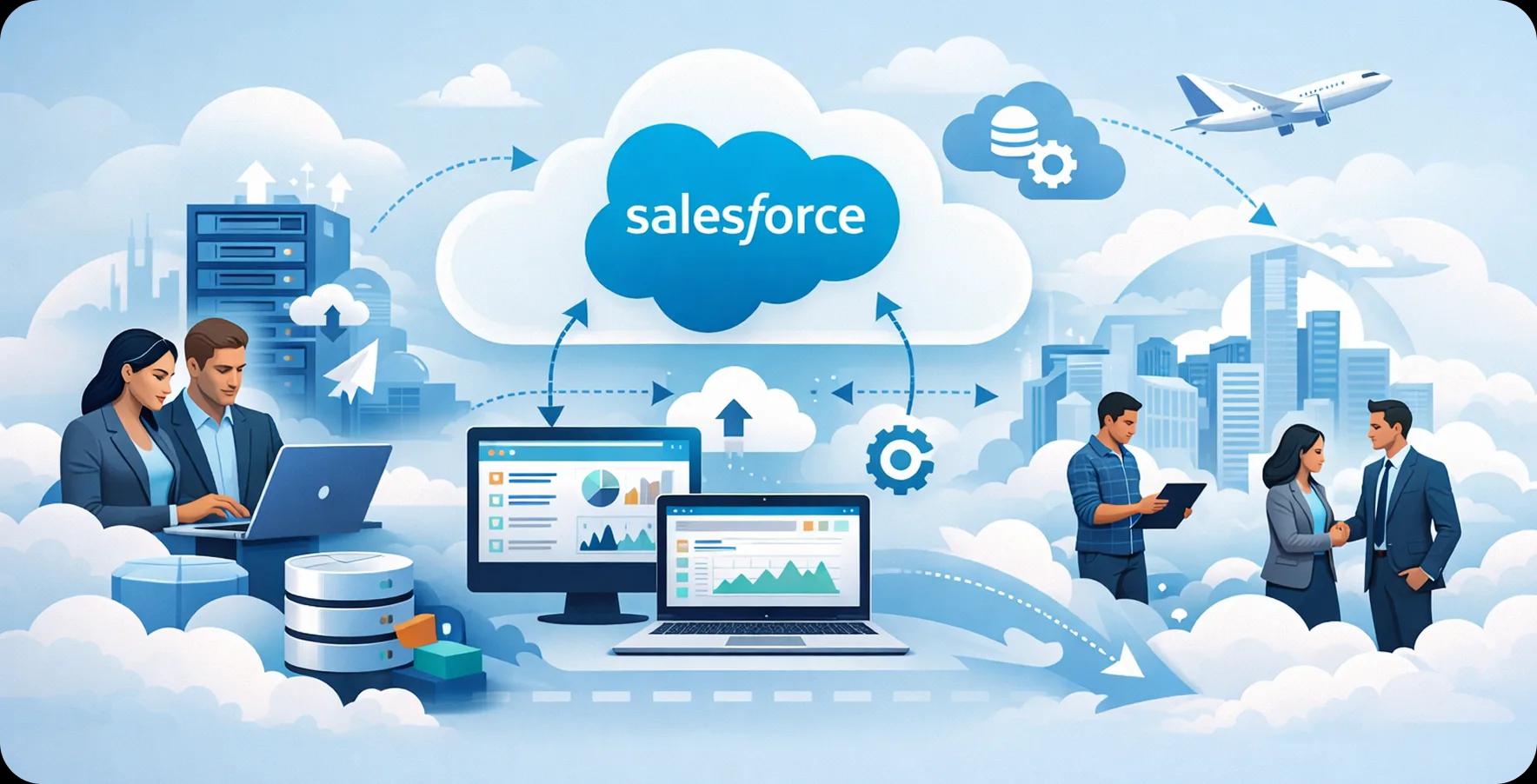
Quick summary: Cloud-native competitors are already pulling ahead. This guide gives business leaders a complete view of Salesforce migration, including real risks, likely costs, SMB-specific strategies, and a proven step-by-step roadmap for moving faster without costly surprises.
In today's fast-paced digital economy, businesses across industries cannot afford to run on outdated infrastructure. Cloud adoption is no longer a nice-to-have; it is a competitive necessity. According to Gartner, worldwide public cloud services spending is projected to exceed $675 billion in 2024, with CRM platforms like Salesforce leading enterprise transformation. Yet moving business data, workflows, and Salesforce integration is far from a plug-and-play exercise. That is where a trusted Salesforce migration company in USA steps in and brings the technical depth, strategic oversight, and hands-on execution to move a business forward without the guesswork.
The sections ahead break down everything decision-makers need to know, from what these services cover and the real cost of doing it wrong, to choosing the right partner and maximizing ROI from day one. Think of this as a guide on Salesforce migration services, built specifically for business leaders ready to make the leap.
Why Your Business Cannot Afford to Wait on Cloud Migration
Legacy systems bleed money through inefficiencies, maintenance overhead, and missed revenue opportunities. According to IDC, businesses lose an average of $1.8 trillion annually due to poor data accessibility and disconnected systems. Waiting on cloud migration is not playing it safe; it is falling behind. The longer the delay, the wider the competitive gap grows between an organization and cloud-native peers.
Reasons Businesses Cannot Afford to Delay Migration
-
Rising infrastructure maintenance costs
-
Increasing security vulnerabilities in on-premises systems
-
Limited ability to scale operations quickly
-
Data silos that slow cross-team decision-making
-
Poor customer experiences caused by outdated CRM tools
-
Compliance risks from aging data-management systems
-
Slow onboarding of new tools and integrations
-
Difficulty attracting employees who expect modern technology
-
Missed AI and automation capabilities available on cloud platforms
What Salesforce Migration Services Actually Cover
Migration is not simply moving files from one location to another. It is a comprehensive modernization of data architecture, business logic, integrations, and user experience. Professional Salesforce migration services include audit and planning, data preparation, configuration, testing, cutover, and post-launch support.
Salesforce Data Migration Services: Moving More Than Records
Salesforce data migration is a rigorous process involving extraction, cleansing, transformation, mapping, loading, and validation. The goal is not only to move rows and columns but also to preserve data integrity across accounts, contacts, leads, opportunities, activities, and custom objects.
Migration teams may use Salesforce Data Loader, MuleSoft, and ETL platforms to map legacy schemas into the Salesforce data model. Careful preparation minimizes data loss and preserves continuity throughout the transition.
Salesforce CRM Migration Services: Keeping the Sales Engine Running
The sales pipeline cannot stall during migration. Salesforce CRM migration services reconfigure sales workflows, pipeline stages, automation rules, email templates, permissions, and dashboards in the new environment.
A comprehensive migration preserves historical deal data and team velocity so representatives can start working in the new platform without losing critical context.
The Real Cost of a Bad Migration (And How to Avoid It)
A botched Salesforce migration does not just cause technical headaches; it has real financial consequences. Data corruption, integration failures, and extended downtime can cost mid-sized businesses hundreds of thousands of dollars. Forrester Research estimates that poor data quality costs organizations around $15 million per year on average. Understanding these risks upfront is the first step toward protecting the investment.
Real Costs of a Bad Migration
-
Corrupted, incomplete, or duplicated customer data
-
Broken ERP, marketing, billing, and support integrations
-
Revenue loss caused by extended downtime
-
Missing historical reports and analytics
-
Employee productivity declines during retraining
-
Security vulnerabilities caused by improper data handling
-
Regulatory noncompliance penalties
-
Cost overruns from emergency fixes
-
Damage to customer trust and relationships
How to Avoid a Bad Migration
-
Conduct a thorough audit of data and systems before migration
-
Define data ownership and governance rules in advance
-
Test configuration and migration scripts in sandboxes
-
Map integrations and API dependencies before cutover
-
Establish a rollback plan
-
Involve end users in user acceptance testing
-
Assign a dedicated project manager
-
Validate migrated data against source records
-
Work with a qualified Salesforce migration partner
Salesforce Migration for SMBs: Enterprise Power, Right-Sized for You
Small and mid-sized businesses often assume enterprise-grade cloud tools are out of reach, both in complexity and cost. That is a misconception. Salesforce migration services for SMBs are specifically designed to deliver scalable, right-sized solutions that fit tight budgets and lean IT teams. With the right partner, SMBs can access the same powerful CRM infrastructure as Fortune 500 companies, without the enterprise overhead.
Why SMBs Have the Most to Gain
For SMBs, Salesforce migration is not just a technology upgrade; it is a strategic equalizer. Smaller companies often run on fragmented tools: spreadsheets, basic CRMs, and disconnected email threads. Migrating to Salesforce centralizes everything into a single source of truth. According to Salesforce's own SMB research, small businesses using CRM platforms see an average 29% increase in sales productivity. When automated workflows and real-time reporting are factored in, the ROI compounds quickly, making migration one of the smartest moves an SMB can make.
Common SMB Migration Pitfalls and How Experts Fix Them
Common Pitfalls
-
Underestimating the volume and complexity of existing data
-
Skipping a data cleanup phase before migration
-
No dedicated internal point of contact during the project
-
Choosing a partner without SMB-specific experience
-
Ignoring user adoption and training post-migration
-
Migrating redundant or outdated records unnecessarily
-
Failing to document custom workflows before transition
How Experts Fix Them
-
Perform upfront data profiling to set a realistic scope
-
Run a pre-migration cleansing sprint to eliminate junk records
-
Appoint a migration champion from the client's internal team
-
Assign SMB-specialized Salesforce architects to the project
-
Build change management and training into the project plan
-
Filter migration scope to only business-critical, active records
-
Document all existing workflows before dismantling legacy systems
How the Best Salesforce Migration Services in USA Get It Done
The best migration partners do not wing it; they follow a proven, repeatable playbook. Staying current with Salesforce updates for enterprise leaders is part of their job, ensuring the new environment is built on the latest features and best practices from day one.
The Step-by-Step Migration Roadmap
Step 1: Discover & Plan
Every reputable Salesforce migration company in the USA begins with a comprehensive discovery phase, auditing the existing data landscape, integrations, and business requirements to build a detailed migration blueprint that eliminates guesswork.
Step 2: Build & Test
This phase involves configuring the Salesforce environment, mapping legacy data schemas, setting up integrations, and rigorously testing everything in sandbox environments. UAT is conducted with real users to catch edge cases before go-live.
Step 3: Deploy & Stabilize
Go-live is executed during low-traffic windows to minimize business disruption. The team monitors performance in real time, addresses any post-launch issues immediately, and conducts a stabilization period to ensure all systems are running at full capacity.
Zero Downtime: Staying Operational During the Switch
Downtime is avoidable with the right strategy. Leading teams use phased cutovers, parallel operation of legacy and new systems, and real-time or scheduled data synchronization.
Delta migration captures changes made during the transition window and reconciles them before final cutover. This keeps operations available and prevents records from being left behind.
Choosing the Right Salesforce Migration Partner: What to Look For
Not every vendor offering Salesforce services is qualified to manage a complex migration. The right partner combines certified expertise, a proven methodology, and relevant industry experience.
Evaluate partners for:
-
Salesforce-certified architects, administrators, and developers
-
Experience with migrations of comparable scale and complexity
-
Knowledge of the organization's industry and compliance needs
-
A structured delivery methodology with defined milestones
-
Transparent pricing and change-control processes
-
Post-launch support and clear service commitments
-
Verifiable client references and case studies
Post-Migration: Maximizing Your Salesforce ROI From Day One
The migration is not the finish line; it is the starting gun. Once data and workflows are live in Salesforce, the real work of driving value begins. A reliable Salesforce migration company does not disappear after go-live. They work alongside the client's team to configure dashboards, fine-tune automation rules, and unlock advanced features like Einstein Analytics, Flow Builder, and AppExchange integrations. Training the team on the new platform is non-negotiable: even the best CRM setup underperforms without user adoption. Establish KPIs from day one, pipeline velocity, lead conversion rates, and case resolution times, and review them monthly. The companies that extract the most value from Salesforce are those that treat it as a living platform, continuously optimized rather than a static deployment. From here, scaling becomes intuitive.
Ready to Make the Move? Here's Your Next Step
For a business leader evaluating a Salesforce migration, here is a straight-shooting checklist to get started on the right foot:
-
Audit the current CRM and data landscape before any conversations with vendors
-
Define migration goals: speed, data accuracy, integration preservation, or all three
-
Request a formal migration assessment from at least two certified Salesforce partners
-
Validate vendor credentials, check AppExchange partner listings and client reviews
-
Set a realistic timeline that accounts for testing, UAT, and change management
-
Secure executive sponsorship early to ensure cross-departmental buy-in
-
Plan for post-migration training and a dedicated hypercare period
Refer back to this guide on Salesforce migration services at each stage to stay aligned with best practices as the project progresses.
The Cloud Will Not Wait: Your Cloud Moment Is Now
Cloud migration is one of those decisions where timing matters almost as much as execution. Businesses that move with a clear strategy and the right partner do not just survive the transition; they come out the other side faster, leaner, and better equipped to compete.
Whether the organization is a growing SMB or a mid-market enterprise, the ability to hire Salesforce developers and migration specialists who understand both the technology and the business model is what separates a smooth go-live from a costly restart. The data, the tools, and the roadmap are all within reach; the next move is yours.

Written by
Pratik Kantesiya
AI Engineering Lead
Pratik leads AI engineering at Agile Infoways, where he architects production AI systems for enterprises across healthcare, BFSI, and logistics. He writes about practical AI delivery — what works, what does not, and what most teams miss between proof-of-concept and production.