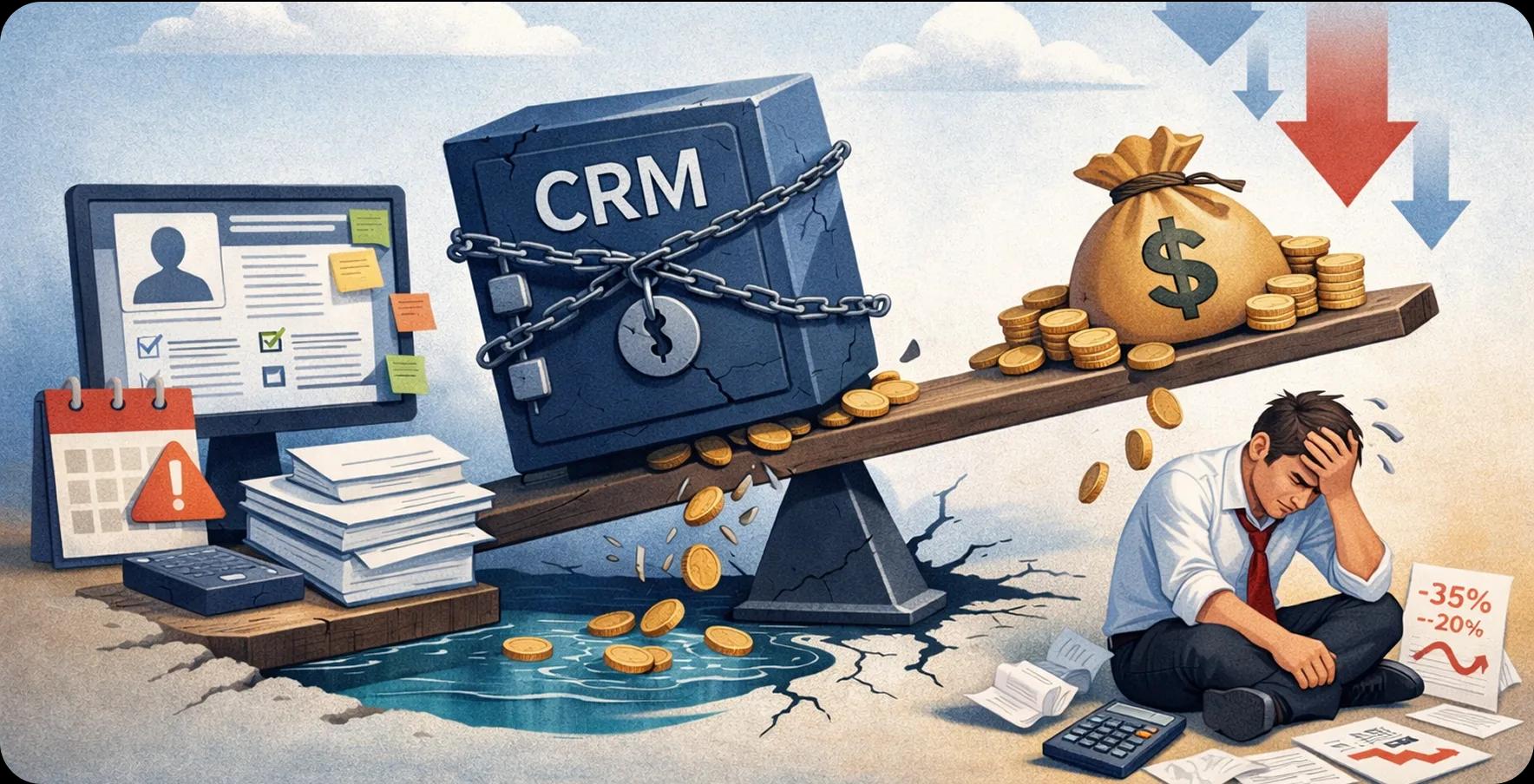
Quick summary: Your CRM was supposed to close deals faster. Instead, it is creating workarounds, dirty data, and missed forecasts. This guide gives US business leaders a no-fluff breakdown of what is going wrong, what to look for, and how to build a CRM that actually earns its seat at the table.
Most organizations invest in a CRM expecting it to drive revenue, improve team productivity, and create sharper customer visibility. But here is the reality: a poorly chosen or badly configured CRM does the exact opposite. According to Gartner's CRM Market Share Analysis 2024, the global CRM software market reached $128 billion in 2024, growing at 13.4% year over year. Yet a significant portion of that spend fails to deliver measurable ROI.
Whether you are working with a Salesforce development company to build a tailored solution or managing a legacy platform that your teams have outgrown, the hard truth is that most CRM implementations are designed for a general audience, not for your business. And when the tool does not fit, your revenue suffers. For enterprises with complex workflows and customer journeys, the case for custom CRM for enterprises has never been stronger.
The following sections break down the warning signs that your CRM has become a burden, why off-the-shelf platforms struggle at enterprise scale, how smart integration and AI reshape the equation, and what steps you can take right now to turn your CRM into a genuine revenue driver.
When CRM Software Solutions Work Against Your Revenue Goals
Not every CRM problem shows up in your quarterly reports right away. More often, the damage is gradual: missed follow-ups, duplicate records, frustrated reps who work around the system rather than in it. Understanding where your CRM is quietly leaking revenue is the first step toward fixing it.
What a CRM Is Supposed to Do, and Where Most Fall Short
At its core, a CRM should give every customer-facing team a single, accurate view of the customer. It should automate repetitive tasks, flag the right opportunities at the right time, and make reporting effortless. In practice, many CRM deployments become expensive data warehouses. Sales reps log calls manually, managers pull reports from spreadsheets instead of dashboards, and customer service has no visibility into the sales history of the accounts they are managing.
The Hidden Cost of a Poorly Implemented CRM
- Lost deals due to slow or missed follow-ups caused by incomplete pipeline data
- Wasted sales rep time on manual data entry instead of customer-facing work
- Inaccurate forecasts that lead to poor resource allocation and missed revenue targets
- Customer churn from disconnected service experiences across sales and support
- Duplicate or dirty data that distorts marketing campaign targeting and spend
- IT overhead from maintaining workarounds and custom patches on a rigid platform
- Poor cross-sell and upsell performance due to a lack of account visibility
- Onboarding delays when new hires cannot navigate a complex or poorly organized system
- Compliance and reporting risks from inconsistent data capture across teams
The Warning Signs Your CRM Has Become a Liability
If your teams are logging in out of obligation rather than finding genuine value in the platform, your CRM has already started costing you more than it earns. Partnering with a Salesforce customization company can help address these gaps, but first, you need to recognize them. Here are the key warning signs to watch for across your organization.
Low Adoption Rates Across Sales and Customer Teams
When fewer than 70% of your sales team is actively using the CRM daily, you have an adoption problem. Low usage means incomplete data, which means poor forecasting and missed opportunities. Adoption issues are rarely about training alone; they usually signal that the system does not match how your teams actually work.
Data Silos That Slow Down Decision-Making
When sales, marketing, and customer service each maintain separate records with no shared view of the customer, decisions get made on incomplete information. Data silos create friction at every handoff and make it nearly impossible to deliver a consistent customer experience across the buyer journey.
Reporting Gaps That Obscure Pipeline Visibility
If your revenue leaders are still pulling data into spreadsheets to build the reports they need, your CRM is not doing its job. Reporting gaps mean leadership is operating on delayed or inaccurate information, which directly impacts decisions about hiring, territory planning, and quota setting.
Manual Workarounds Replacing System Functionality
Email threads, shared spreadsheets, and sticky notes are not productivity hacks; they are evidence that your CRM cannot support the way your business operates. Every workaround is a gap in your data and a risk to your revenue process.
Additional Warning Signs
- Your CRM cannot support your current product lines, pricing structures, or sales stages without heavy manual customization
- Integration with your ERP, marketing automation, or customer support platform requires manual data exports
- Sales reps spend more time entering data than engaging with prospects
- Customer-facing teams have no visibility into account history from other departments
- Mobile access is limited or unreliable, preventing field teams from updating records in real time
- The platform cannot scale to support new business units, geographies, or product categories without costly re-implementation
- License costs have grown faster than user adoption or measurable business outcomes
- Your CRM vendor has end-of-life features your teams still depend on
- New hires take longer than 30 days to become productive because the system is too complex or poorly documented
- Customer satisfaction scores have declined without a clear explanation, pointing to gaps in service team visibility
- Your marketing and sales teams disagree on lead quality because there is no shared definition or automated lead scoring in place
- Leadership cannot pull a reliable revenue forecast without a full day of data cleanup
Why Off-the-Shelf CRM Software Solutions Fall Short for Large Organizations
Most mainstream CRM platforms are built for broad market appeal, not enterprise complexity. If you are evaluating Salesforce development services in USA or exploring other enterprise options, understanding where packaged solutions break down will help you make a smarter long-term investment.
One-Size-Fits-All Design vs. Complex Enterprise Workflows
Scalability Limits That Appear as Your Business Grows
Off-the-shelf CRM platforms often perform adequately at lower volumes. But as your organization adds product lines, expands into new markets, or grows its sales team past a certain threshold, performance degrades, customization costs spike, and the platform starts holding your growth back rather than supporting it. Scalability is not just a technical concern; it is a revenue concern.
The Case for Custom CRM for Enterprises
A custom CRM for enterprises is built around your actual sales process, not a generic interpretation of one. It can embed your approval workflows, connect to your existing systems without workarounds, and scale as your business evolves. While the upfront investment is higher, enterprise organizations consistently report faster adoption, better data quality, and stronger ROI compared to heavily customized off-the-shelf deployments.
CRM Integration - Why It Matters More Than the Platform Itself
Choosing the right CRM is only half the battle. Without deep, reliable integration across your business systems, even the best platform becomes an island. Working with an experienced Salesforce integration company ensures your CRM becomes the connective tissue of your revenue operations, not just another tool your teams have to log into separately.
Connecting CRM to ERP, Marketing, and Support Systems
When your CRM is properly integrated with your ERP, marketing automation, and customer support platforms, data flows in real time across every customer touchpoint. Sales reps see billing history. Marketing knows which accounts closed. Support teams understand the contract value of every ticket they handle. This level of connectivity eliminates blind spots and reduces the manual effort that slows down your teams. Without it, your teams are always working with incomplete information.
What Poor CRM Integration Costs in Lost Deals and Delayed Responses
Disconnected systems mean delayed context. A rep who does not know a contract is in renewal risk before a customer call is already behind. AI-powered CRM solutions and CRM software solutions USA leaders adopt today are only as effective as the data feeding them. Poor integration creates data latency that compounds across your pipeline, inflating response times, reducing personalization, and quietly costing you deals that should have been winnable.
Building a Connected Data Environment Across Departments
A connected data environment means every department works from the same customer record, updated in real time. Achieving this requires a clear integration architecture: bi-directional API connections, event-driven data syncing, and a master data management strategy that prevents duplication. When this foundation is in place, your CRM stops being a sales tool and starts functioning as a company-wide revenue intelligence platform.
How AI-Powered CRM Solutions Change the Revenue Equation
According to Gartner's CRM Sales Software Forecast, the CRM sales software market is projected to reach $28.7 billion in 2025, with a CAGR of 12.8% through 2029, driven largely by the value AI is adding to the category. When the right CRM integration strategy is in place, AI-powered CRM solutions can surface insights previously buried in data, automate time-consuming tasks, and help revenue teams focus on the opportunities most likely to close.
From Manual Data Entry to Intelligent, Real-Time Insights
Traditional CRM workflows require reps to manually log every call, update every opportunity, and maintain record hygiene on their own. AI eliminates most of that burden by automatically capturing activity data, enriching contact records, and flagging anomalies in real time. The result is cleaner data with less effort, and a CRM that actually reflects what is happening in your pipeline rather than what your team remembered to type in.
Predictive Lead Scoring and Pipeline Forecasting
AI-driven lead scoring analyzes hundreds of behavioral and firmographic signals to rank prospects by their likelihood to convert. Pipeline forecasting models trained on your historical deal data can identify which opportunities are at risk before your managers notice the warning signs. This gives revenue leaders the visibility they need to coach the right deals at the right time, and to set forecasts that finance and the board can actually trust.
How AI Reduces Rep Workload and Improves Customer Response Time
According to Gartner research cited in CRM trend analysis, by 2025-26, 80% of customer service organizations are expected to leverage generative AI for tasks including personalized customer interactions. AI handles scheduling, follow-up reminders, email drafting, and next-step recommendations automatically, freeing reps to spend more time on high-value conversations. Faster internal processes translate directly to faster customer response times, which is one of the strongest predictors of customer satisfaction and retention.
Evaluating CRM Software Solutions USA: What Business Leaders Should Demand
Before you sign a renewal or commit to a new platform, you owe it to your organization to ask the hard questions. The CRM software solutions USA market is crowded and competitive, and not every vendor's pitch maps to your actual operational requirements. Here is what to look for and what to push back on.
Questions to Ask Before Renewing or Replacing Your CRM
- What percentage of our licensed users are actively logging in and recording activity on a weekly basis?
- How many manual workarounds has our team built to compensate for system limitations?
- Can our current CRM generate a fully accurate pipeline report without manual data cleaning?
- Is our CRM integrated with every system that touches the customer, including ERP, support, and billing?
- How long does it take to onboard a new rep to full productivity within the CRM?
- What has our total cost of ownership looked like, including customization, maintenance, and lost productivity?
- Can our current platform support our growth plans for the next three to five years without a full re-implementation?
Key Criteria: Flexibility, Integration Depth, and AI Readiness
The strongest enterprise CRM investments share three characteristics. First, flexibility: the ability to model your actual business processes without forcing them into a vendor-defined structure. Second, integration depth: native and API-level connectivity to every system in your revenue stack. Third, AI readiness: the architecture to support predictive analytics, automation, and generative AI features as your needs evolve. Platforms that check all three boxes deliver measurably faster time to value.
Build vs. Buy: When a Custom CRM for Enterprises Makes Financial Sense
Steps to Audit Your Current System and Define a Smarter CRM Strategy
Before you can move forward, you need to know exactly where you stand. CRM software solutions USA enterprises rely on are only as good as the processes they support. A structured audit gives leadership the clarity to make a confident decision, whether that means optimizing what you have, integrating more deeply, or rebuilding around a platform designed for your scale. To explore how enterprises are leveraging Salesforce CRM features for business growth and improving Salesforce CRM for enterprise operations, the audit process below gives you a repeatable starting point.
Step 1: Usage audit
Pull login frequency, record update rates, and feature utilization data for the past 90 days. Identify which teams are using the system as intended and where adoption has broken down. Low usage is your clearest signal of a misaligned tool.
Step 2: Integration mapping
Document every system that currently exchanges data with your CRM, and identify every system that should but does not. Map the gaps, the manual handoffs, and the data latency points. This becomes the foundation of your integration roadmap.
Step 3: Revenue impact assessment
Quantify the cost of your current CRM gaps: average deal cycle length, win rate by pipeline stage, forecast accuracy, and customer response time. Assign a dollar value to each gap. This business case is what drives executive alignment around a CRM investment decision.
Turning Your CRM into a Revenue Asset
Your CRM should be one of the most productive tools in your revenue stack. When it is not, the cost is real: slower deal cycles, poor forecast accuracy, disengaged reps, and customers who feel like they are being managed by a system rather than served by a team that knows them.
The good news is that the path forward is clearer than it has ever been. Whether you partner with a Salesforce development company to customize your existing platform, pursue a deeper integration strategy, or invest in a ground-up custom build, the right architecture makes a measurable difference. AI-powered CRM solutions are accelerating that value further, turning CRM data into predictive insight and reducing the manual work that burns out your best people.
Gartner forecasts the CRM sales software market will sustain a 12.8% compound annual growth rate through 2029. The organizations capturing that growth will not be the ones with the most licenses; they will be the ones that built a CRM environment that actually fits the way their business operates. Now is the time to audit, align, and act.

Written by
Pratik Kantesiya
AI Engineering Lead
Pratik leads AI engineering at Agile Infoways, where he architects production AI systems for enterprises across healthcare, BFSI, and logistics. He writes about practical AI delivery — what works, what does not, and what most teams miss between proof-of-concept and production.